Object model
The best way to learn the object model of LightningChart is by using Properties editor of Interactive Examples App / Demo. Just open Demo, select example and open Property Editor for the selected chart.
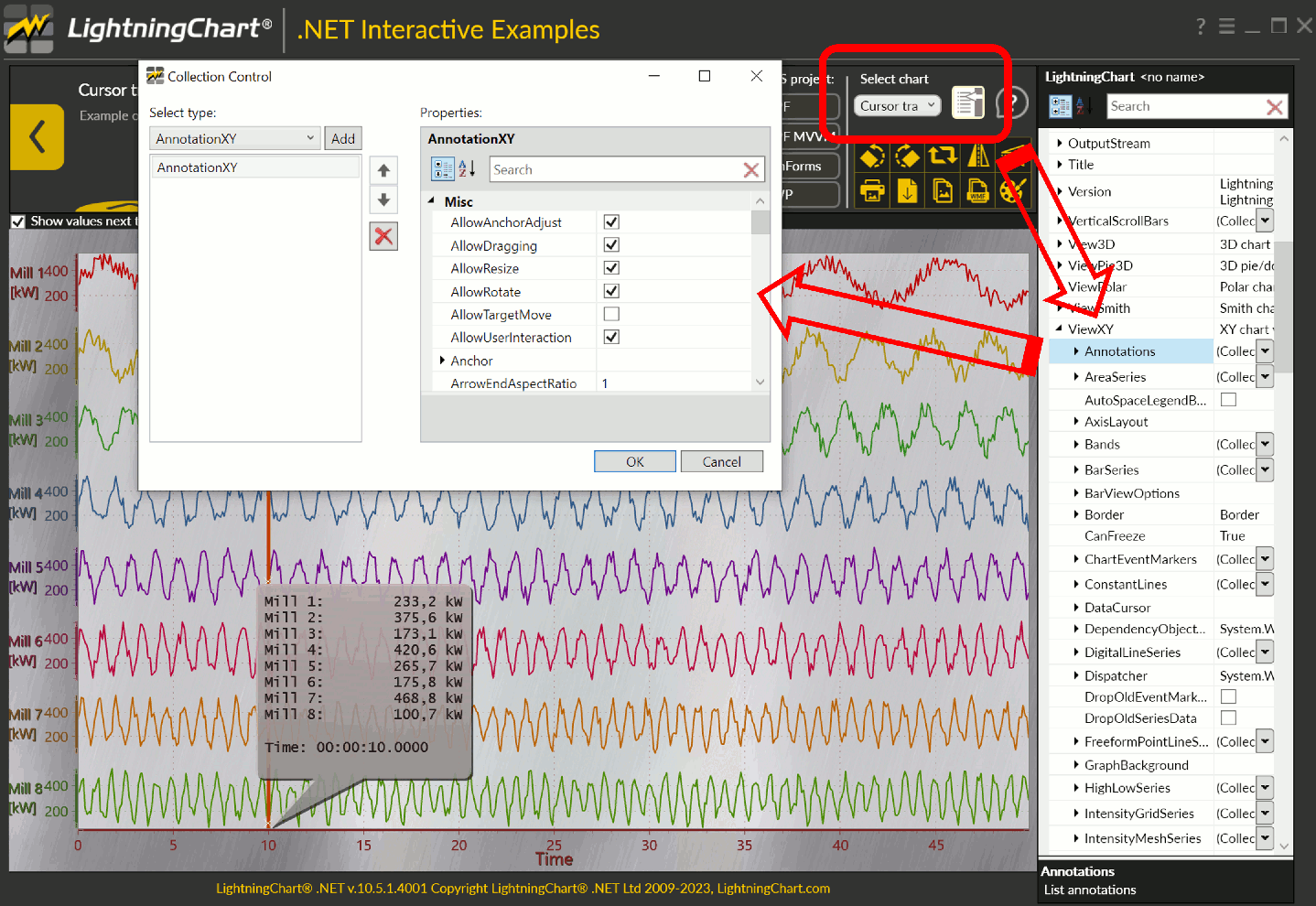
Object Model of LightningChart. Editing AnnotationXY properties on-fly.
Property Editor for standalone application
During software development it maybe handy to have access to property while application is running. Users can create similar property editor like one described above for LightningChart Demo in own standalone application.
For WinForms application user can simple add method call in the source code:
chart.ShowPropertiesEditor();
For WPF application to create the grid of properties user can use Extended WPF Toolkit™.